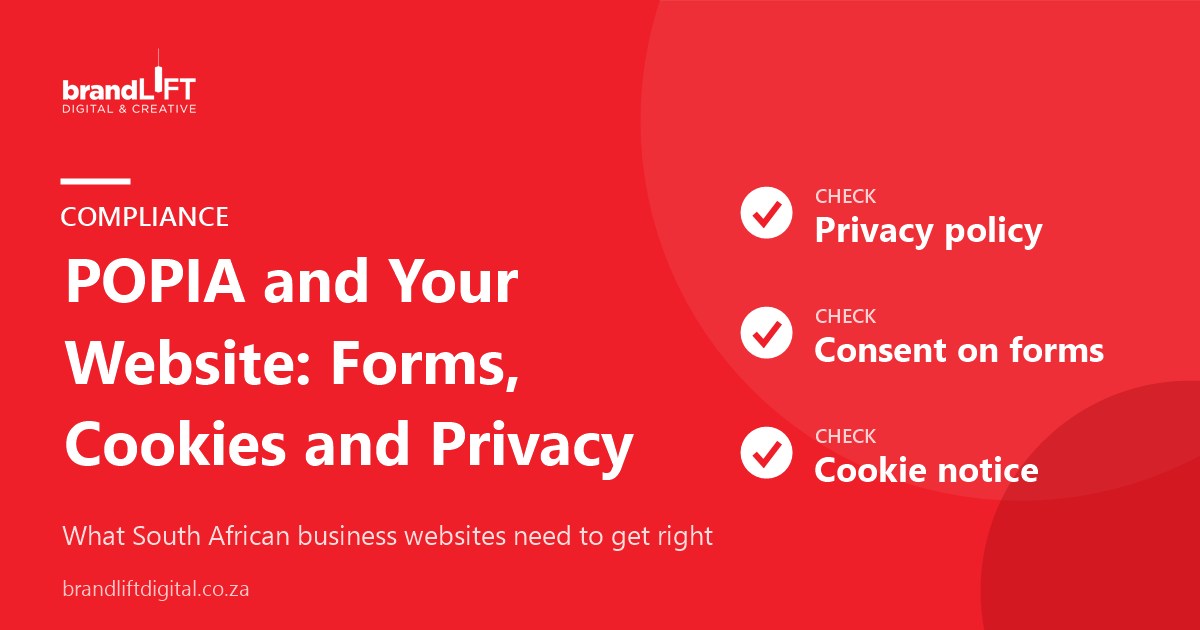
The Protection of Personal Information Act (POPIA) applies to almost every South African business website. If your site has a contact form, a newsletter sign-up, an online shop or analytics, you are collecting personal information. This guide covers the practical basics of POPIA website compliance. It is general information, not legal advice, so speak to a legal professional about your specific situation.
What counts as personal information on a website?
Names, email addresses, phone numbers, physical addresses, ID numbers, order history and, in some cases, IP addresses and online identifiers. If your website collects any of these, POPIA applies to how you collect, use, store and share them.
1. Publish a clear privacy policy
Your privacy policy should explain, in plain language, what information you collect, why you collect it, how long you keep it, who you share it with, how you protect it and how people can ask to see, correct or delete their information. Link to it in your website footer and next to every form. Review it at least once a year, and whenever you add a new tool that collects information, such as a booking system, live chat or a new analytics service. An outdated policy is one of the most common gaps in POPIA website compliance, because the site changes but the policy stays the same.
2. Only ask for what you need on forms
POPIA expects you to collect only the information you need for a specific purpose. A contact form usually needs a name, a way to reply and a message. Asking for ID numbers or dates of birth “just in case” creates risk without benefit. Shorter forms also tend to get more enquiries.
3. Get proper consent for marketing
If you want to send newsletters or promotions, people should actively opt in, for example by ticking an unticked box. Every marketing email needs a working unsubscribe link. Keep a record of when and how each person gave consent.
4. Be open about cookies and tracking
Analytics, advertising pixels and some plugins use cookies that can identify visitors. Explain this in a cookie notice and a cookies policy, and give visitors a way to manage non-essential cookies.
5. Keep the information secure
- Use an SSL certificate (https) on the whole site
- Keep WordPress, themes and plugins updated
- Use strong passwords and limit who has admin access
- Delete old form entries you no longer need
- Choose reputable hosting with regular backups
Regular WordPress maintenance covers most of these.
6. Know your responsibilities beyond the website
POPIA also requires businesses to appoint an information officer and register them with the Information Regulator, and to have a plan for responding if a data breach happens. Your website is one part of a wider compliance picture. Still, POPIA website compliance is often the most visible part, because it is what customers and the Information Regulator can see for themselves. Getting the basics on your site right shows that you take personal information seriously.
Quick POPIA website checklist
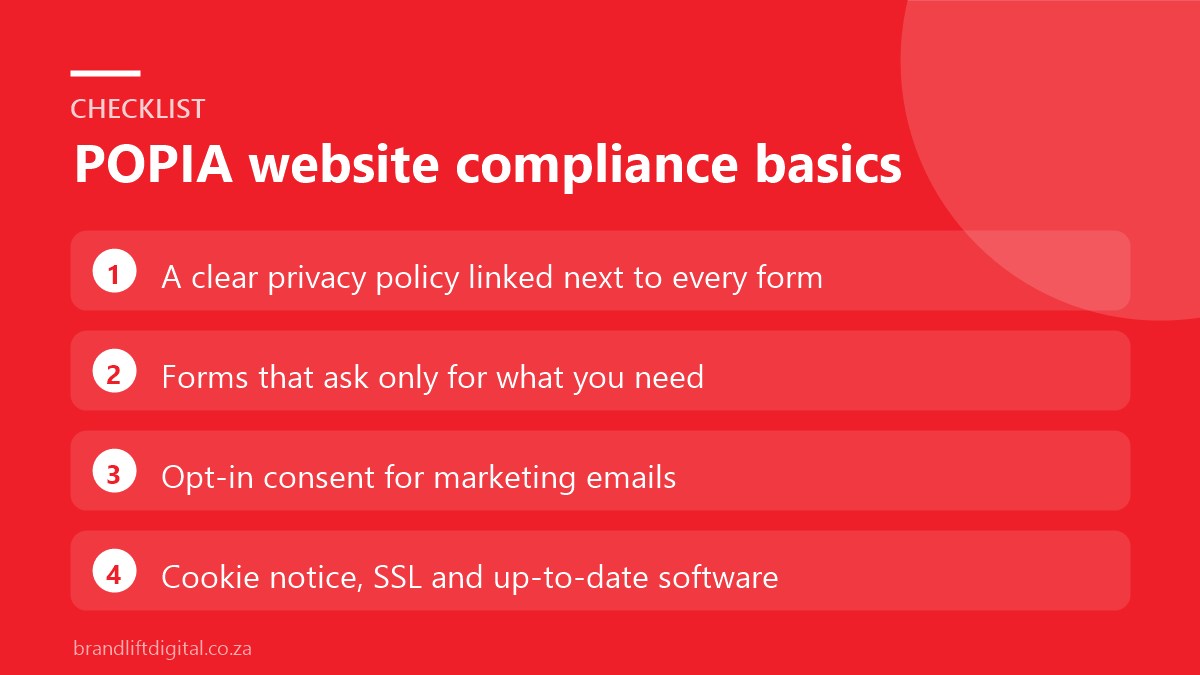
- Privacy policy linked in the footer and next to forms
- Forms ask only for what you need
- Unticked opt-in box for marketing
- Cookie notice and cookies policy
- SSL certificate active
- Software up to date and backed up
- Old form data cleared regularly
POPIA website compliance: frequently asked questions
Does POPIA apply to small businesses?
Yes. POPIA applies to any business that processes personal information in South Africa, regardless of size.
Can I copy another website’s privacy policy?
No. A privacy policy must describe how your business actually handles information. A copied policy is likely to be inaccurate.
Need a website that handles data properly?
Every small business website we build includes secure forms, SSL, a cookie notice and space for your privacy policy.