
For prospective parents, the school website is often the first impression of the school. For current parents, it is where they check dates, read news and find forms. A school website that makes this information easy to find saves the office time and helps families feel confident in the school. Here is what parents look for, and the mistakes that frustrate them.
For prospective parents
1. Clear admissions information
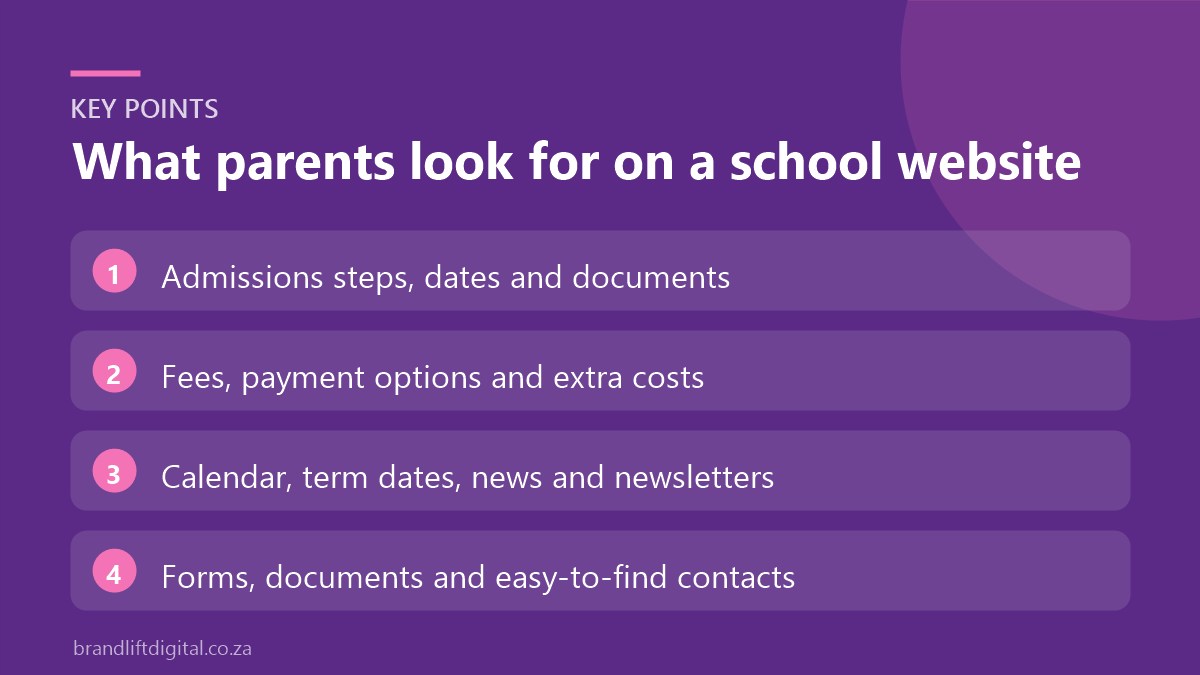
Explain how to apply, application dates, required documents and what happens next. If you offer tours or open days, make booking simple. An online application or enquiry form reduces phone calls and paperwork. Many families start looking a year or more ahead, so keep admissions dates for the following year visible, and add a short FAQ covering common questions such as age requirements, waiting lists, sibling policies and whether the school accepts mid-year transfers.
2. Fees
Parents want to know the cost early. Publish your fee structure, or at least a clear guide, along with payment options and any additional costs such as uniforms or extra-murals. Being upfront about fees saves time for both parents and the admissions office, and it builds trust. If you offer sibling discounts, bursaries or payment plans, mention them here so families who are stretching their budget know there may be options.
3. What makes the school different
Describe your ethos, curriculum, class sizes, academic results, sport, culture and support services. Use real photos of pupils (with consent), teachers and facilities rather than stock images.
4. A feel for daily school life
Parents want to picture their child at the school. Short sections on a typical day, aftercare, transport, the tuck shop and extra-mural options answer practical questions. A photo gallery or short video of school events shows the atmosphere better than any description.
For current parents
5. Calendar and term dates
Term dates, public holidays, sports fixtures, exams and events should be easy to find and kept current. A calendar that parents can add to their phones is a bonus.
6. News and newsletters
A news section shows that the school is active and gives parents a reason to come back. Archive newsletters so they can be found later.
7. Forms and documents
Uniform lists, stationery lists, policies and consent forms should be in one place, clearly labelled and up to date.
8. Contact details
List office hours, phone numbers, email addresses for key contacts and the school’s address with a map. Make phone numbers tappable on mobile.
Common school website mistakes
- Out-of-date information: last year’s term dates or old staff lists make the school look disorganised.
- Everything in PDFs: key information hidden in downloads is hard to read on phones and hard for Google to find.
- Confusing menus: parents should not have to guess whether fees sit under “About”, “Admissions” or “Parents”.
- Slow pages: large photo galleries can slow the whole site down if images are not compressed.
- No clear next step: every admissions page should end with a way to apply, book a tour or ask a question.
Design tips for school websites
- Most parents visit on their phones, so design mobile-first
- Keep menus simple, with Admissions and Parents as clear top-level sections
- Make it easy for school staff to update news and documents
- Use readable fonts and good contrast so the site is accessible to everyone
- Protect pupil privacy: get consent before publishing photos and follow POPIA
Our guide to POPIA and your website covers the privacy basics.
School website: frequently asked questions
Can school staff update the website themselves?
Yes. A WordPress site lets staff add news, events and documents without technical knowledge, with training included at launch.
Should we accept applications online?
Online applications save time for parents and staff. Make sure forms are secure and only ask for information you need at that stage.
Planning a new school website?
Our school website design service covers admissions, calendars, news and document libraries, built for busy parents and easy for staff to manage.