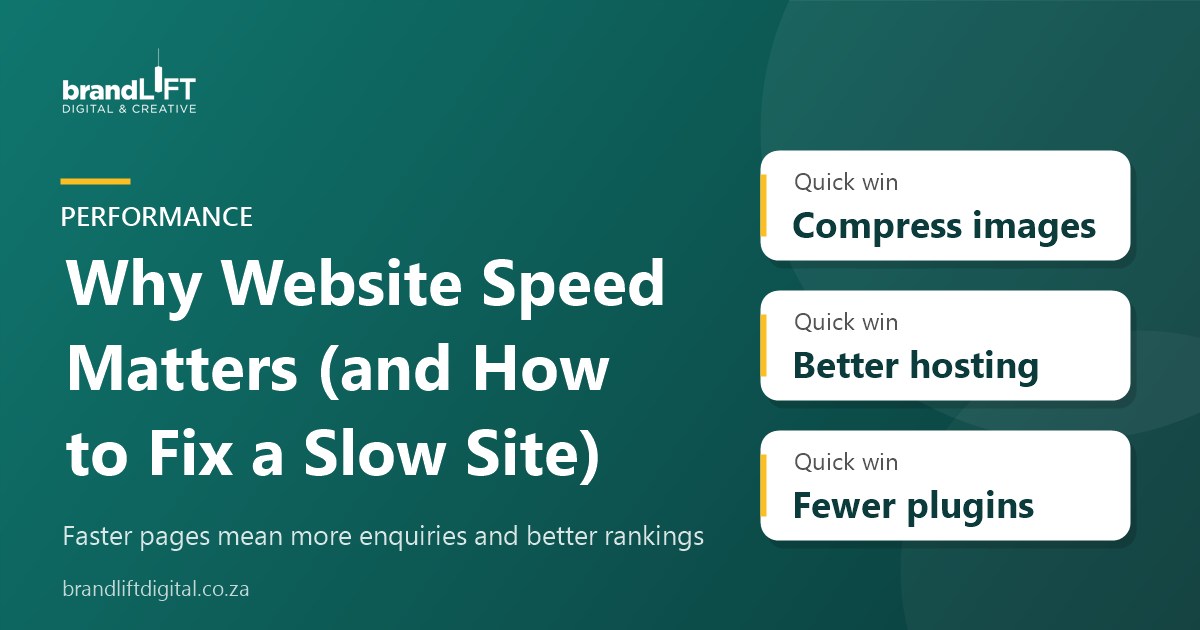
Most people will not wait for a slow page to load, especially on a phone with patchy mobile data. Website speed affects how many visitors stay, how many get in touch and how Google ranks your pages. The good news is that most slow sites can be fixed without a full rebuild.
Why speed matters
- Visitors leave: every extra second of loading increases the chance someone gives up and goes back to Google.
- Fewer enquiries: slow forms and checkouts lose people at the moment they were ready to act.
- Search rankings: Google uses page experience signals, including loading speed, when ranking pages.
- Mobile data costs: heavy pages cost your visitors data, which matters in South Africa.
How to test your website speed
Run your home page and a key service page through Google PageSpeed Insights. It gives separate mobile and desktop scores and a list of issues. Focus on the mobile result, since that is how most people visit. Test a few times, as results vary slightly. Pay attention to how long it takes for the main content to appear and whether the layout jumps around while the page loads. Also test pages that matter most for enquiries, such as your contact page or checkout, not only the home page.
The most common causes and fixes
1. Large images
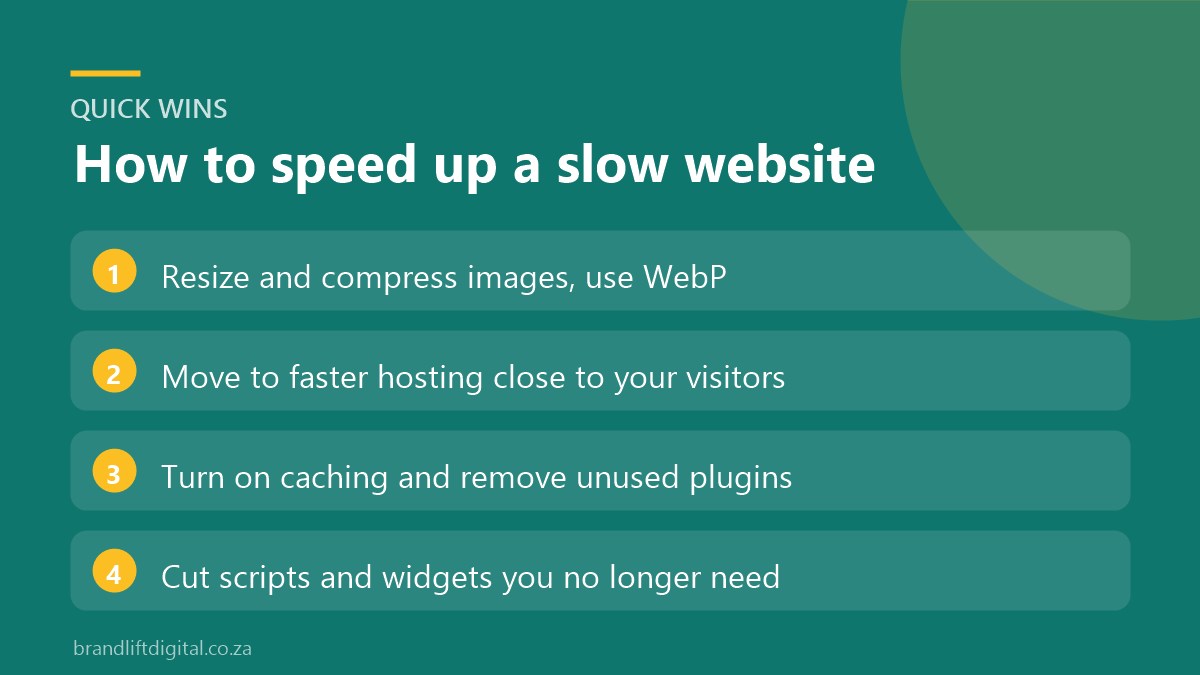
Uploading photos straight from a camera or phone is the most common cause of slow pages. Resize images to the size they display at, compress them and use modern formats such as WebP. Lazy loading, which only loads images as visitors scroll down to them, also helps long pages and galleries. Image optimisation plugins can handle much of this automatically for new uploads.
2. Slow or overloaded hosting
Cheap shared hosting can be slow, especially at busy times. Hosting with servers close to your visitors and enough resources makes a noticeable difference. If most of your customers are in South Africa, local or nearby servers usually respond faster. A content delivery network (CDN) can also help by serving images and files from locations closer to each visitor.
3. Too many plugins
Each plugin can add scripts and styles to every page. Remove plugins you no longer use and replace several small ones with a single well-built option where possible.
4. No caching
Caching stores ready-made copies of your pages so they load faster for each visitor. A caching plugin or server-level caching is one of the quickest wins on WordPress. Set it up carefully, though: pages such as the cart, checkout and account areas should not be cached, or customers may see the wrong information.
5. Heavy themes and page builders
Some themes load large amounts of code you never use. A lightweight theme and careful page building keep pages lean.
6. Too many external scripts
Chat widgets, tracking pixels, embedded feeds and custom fonts all add loading time. Keep the ones that earn their place and remove the rest. Review them once or twice a year, since tracking codes for old campaigns and tools you stopped using often stay on a site long after they are needed.
Website speed: frequently asked questions
What is a good PageSpeed score?
Aim for green scores where you can, but focus on real loading experience rather than a perfect number. A site that feels fast on a phone matters more than a score of 100.
Do I need a new website to fix speed?
Usually not. Image optimisation, caching and better hosting fix most problems. Start with those, test again and compare the results. If the site is still slow after these fixes, the theme or page builder may be the bottleneck, and a rebuild can be planned properly. A rebuild only makes sense if the theme itself is the main issue.
Is your website slow?
We can test your site, find what is slowing it down and fix it. Speed work is also part of our SEO services and every WordPress website we build.