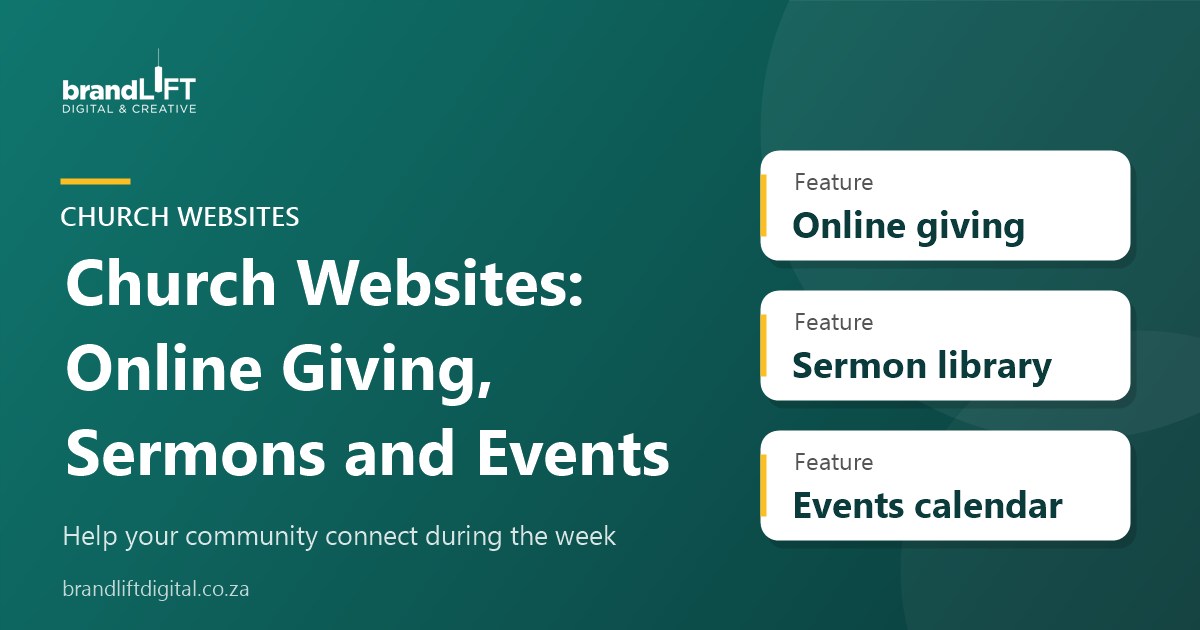
A church website serves two groups: people thinking about visiting for the first time, and members who want to stay connected during the week. A good church website makes both feel welcome. Here are the features that matter most, and some practical tips for keeping the site useful once it is live.
1. A welcome page for first-time visitors
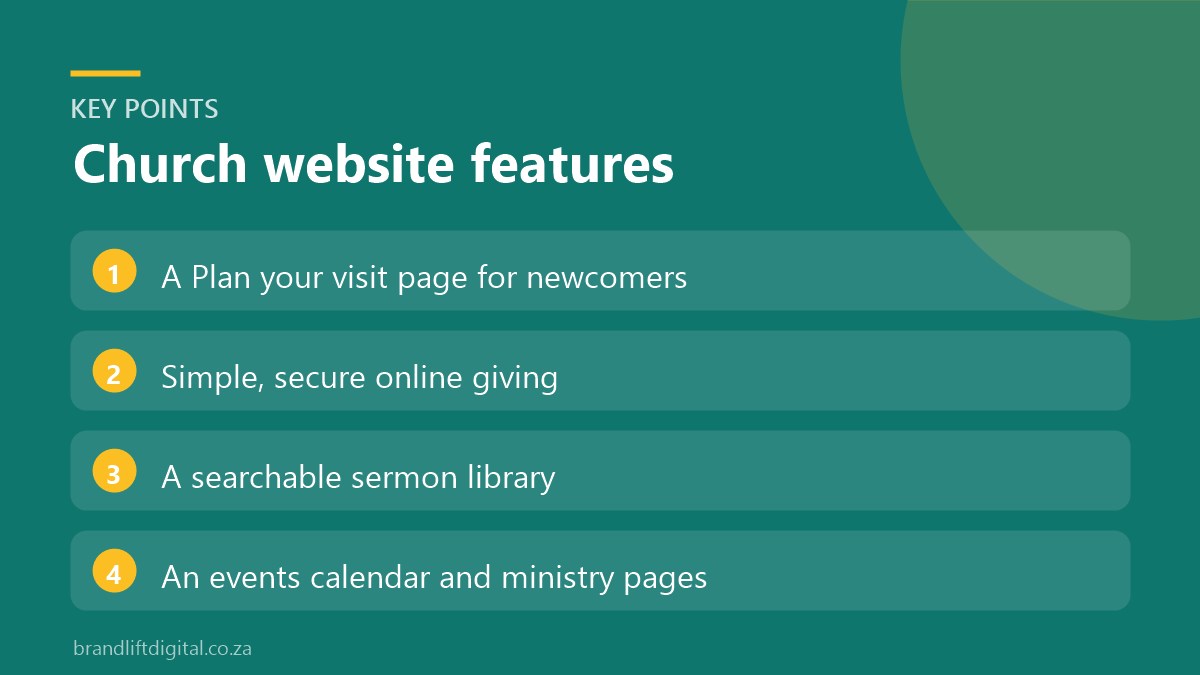
Walking into a new church can feel daunting. A “Plan your visit” page answers the questions people are too shy to ask: service times, where to park, what to wear, how long the service lasts and what is available for children. Add photos of the building and the welcome team so visitors know what to expect.
2. Simple online giving
Many members no longer carry cash. Online giving lets people give from home, set up recurring monthly gifts and support specific funds such as outreach or building projects. Use a trusted local payment gateway that supports card and instant EFT payments. Our guide to choosing a payment gateway compares the main options.
Keep the giving page short and clear. Explain where the money goes, offer a few suggested amounts and confirm each gift by email. If your church issues tax certificates for donations, say how members can request one.
3. A sermon library
Make it easy to watch or listen to recent sermons. Organise them by date, series and speaker, and embed video or audio so people do not have to leave the site. A searchable library also brings in new visitors who find your messages through Google or YouTube. Add a short summary and the main Bible passage under each sermon, so people can quickly decide what to watch and search engines understand what each message covers. Offering an audio version also helps members who listen while driving.
4. An events calendar
List services, small groups, youth evenings, outreach days and special events in one calendar. Add online registration for events that need numbers, such as camps or conferences. Keep past events off the main view so the calendar always looks current.
5. Ministries and ways to get involved
Give each ministry a short section explaining what it does, when it meets and who to contact. Clear next steps help newcomers move from visiting to belonging.
6. Ways to stay connected during the week
A newsletter sign-up, links to your WhatsApp or social media channels and a simple prayer request form help members feel part of the community between Sundays. Treat prayer requests as private: keep the form short, explain who will see it and follow POPIA when storing personal information.
7. Design that reflects your community
Your website should feel like your church. Use real photos of your people, services and outreach rather than stock images. Keep the design warm and uncluttered, make text large enough to read easily and check that the site works well on phones, since that is how most people will visit. Clear contrast and readable fonts also help older members.
8. Easy updates for church staff
Church websites are often updated by volunteers or office staff. Choose a system that makes it simple to add a sermon, post an announcement or change service times without technical help. A short training session at launch, and a written guide, make a big difference.
Church website: frequently asked questions
Is online giving secure?
Yes, when it runs through a reputable payment gateway. Card details are handled by the gateway, not stored on the church website.
Can we stream services on the website?
Yes. Most churches stream through YouTube or Facebook and embed the live stream on their website, so members can watch in one familiar place.
How often should we update the website?
Add sermons and announcements weekly, and check service times, contacts and ministry details every few months.
Planning a new church website?
Our church website design service includes online giving, sermon libraries and event calendars. For broader fundraising, see our donation website design service.