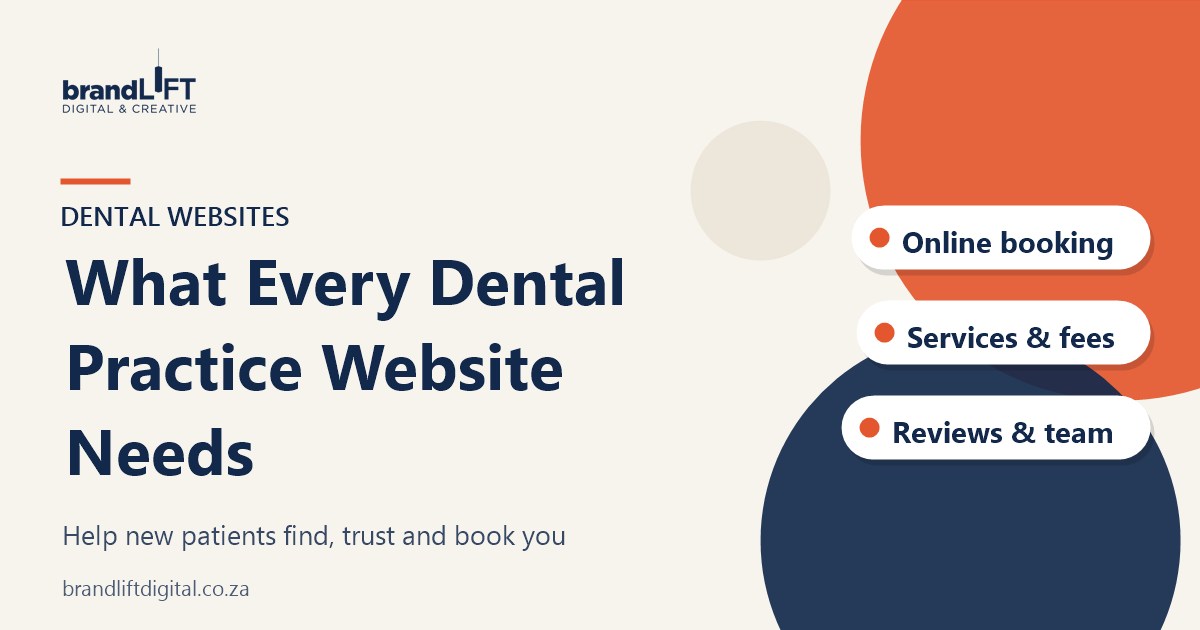
Most new patients look up a dentist online before they phone. They want to know what you offer, whether you accept their medical aid, where you are and how quickly they can be seen. A dental practice website that answers those questions clearly will win more bookings than one that simply looks good. Here is what to include.
1. A clear home page
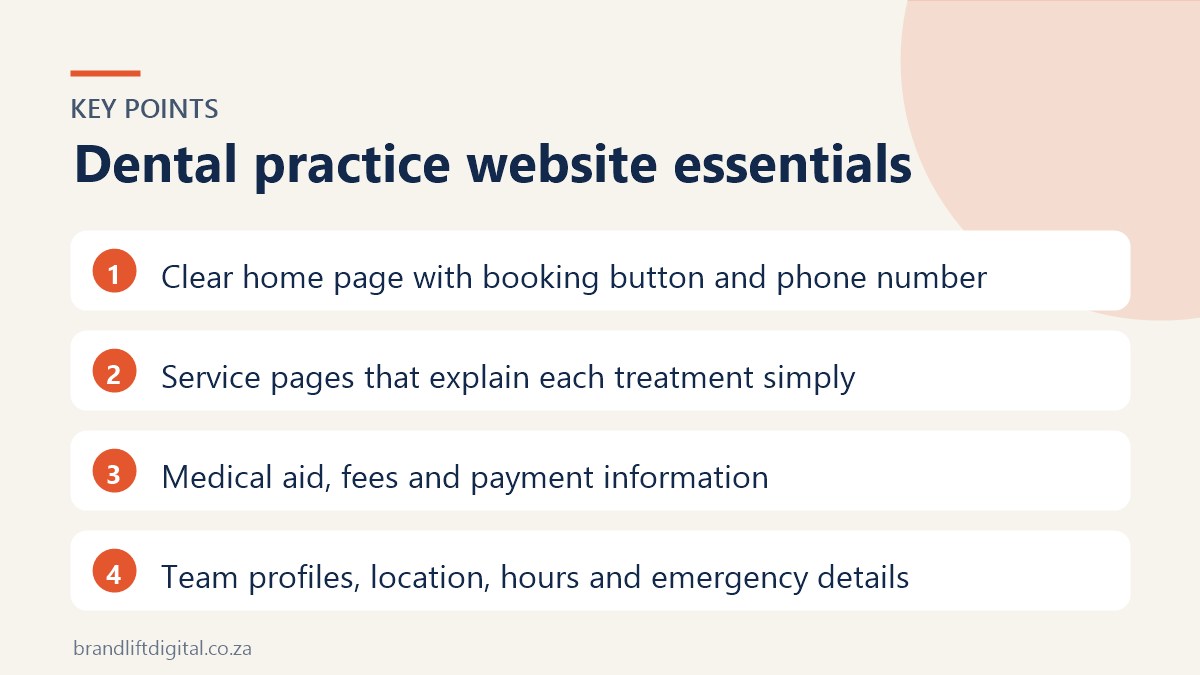
Within a few seconds, visitors should know who you are, where you are and how to book. Put your phone number, a “Book an appointment” button and your suburb near the top of the page. Keep the design calm and clean; patients are often anxious, and a cluttered site does not help.
2. Online booking or an easy enquiry form
Let patients request or book appointments online, especially after hours when your reception is closed. If full online booking is not practical, a short enquiry form with a preferred date and time works well. Make sure the form works properly on mobile.
3. Service pages that explain treatments simply
Create a page for each main service, such as check-ups, cleaning, fillings, crowns, implants, whitening and orthodontics. Explain what the treatment involves, how long it takes and what recovery looks like, in plain language. These pages also help you appear in searches for specific treatments.
4. Medical aid and payment information
Patients often choose a practice based on medical aid. State which schemes you work with, how billing works and which payment methods you accept. A short FAQ on costs saves your front desk a lot of phone calls.
5. Your team
People want to know who will treat them. Add real photos of your dentists, hygienists and staff, with short bios covering qualifications and areas of interest. It makes the practice feel personal before the first visit.
6. Location, hours and emergencies
Show your address with a map, parking information and your hours. If you see emergency patients, say so clearly and explain what to do after hours. Keep these details the same as on your Google Business Profile.
7. Trust signals, used carefully
Professional memberships, qualifications and a clean, well-maintained site all build trust. If you want to use patient reviews or before-and-after photos, check the HPCSA’s current guidelines on advertising first, and always get written patient consent.
8. Privacy and POPIA
Health information is sensitive. Keep online forms short, do not ask for medical history on the website and link to a clear privacy policy. Make sure enquiries are sent and stored securely.
Dental practice website: frequently asked questions
How many pages does a dental website need?
A typical practice site has a home page, about and team page, a page per main service, a medical aid or fees page, and a contact and booking page.
How do new patients find a dental practice online?
Mostly through Google searches like “dentist near me” and Google Maps. A complete Google Business Profile and service pages on your website make the biggest difference.
Planning a new practice website?
Our dental clinic website design service covers everything above, from booking forms to service pages, built to help you attract new patients.