Most diners check a restaurant online before they visit. They look at the menu, the prices, the photos and whether they can book a table. If your restaurant website makes any of that difficult, they move on to the next place in the search results. Here is what matters most.
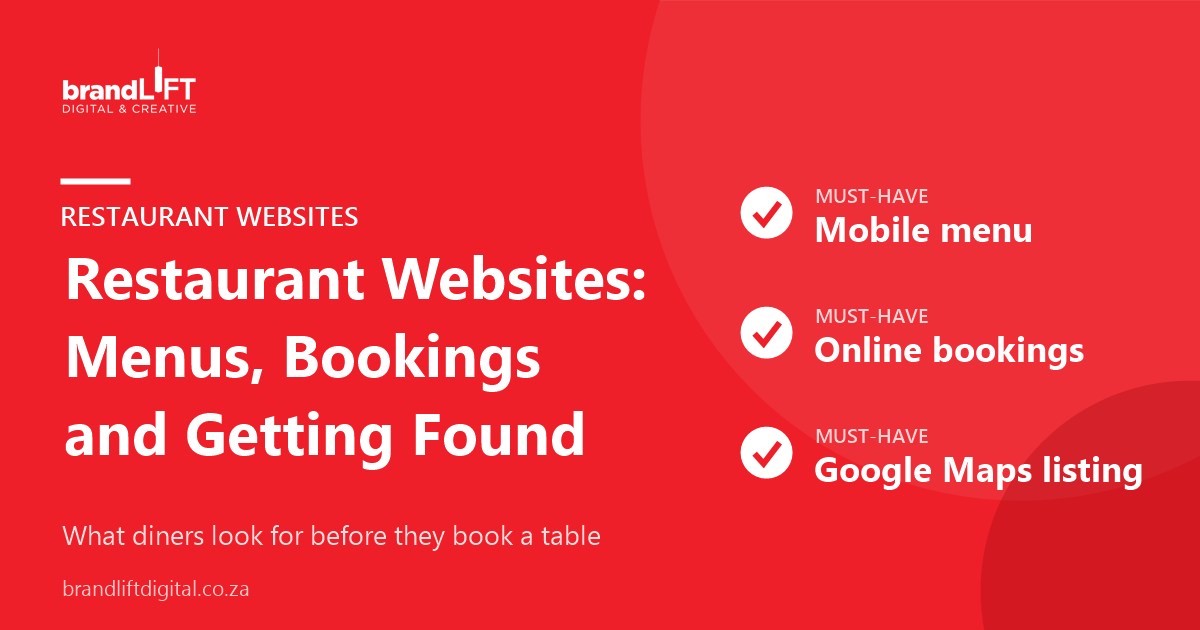
1. A menu people can read on their phone
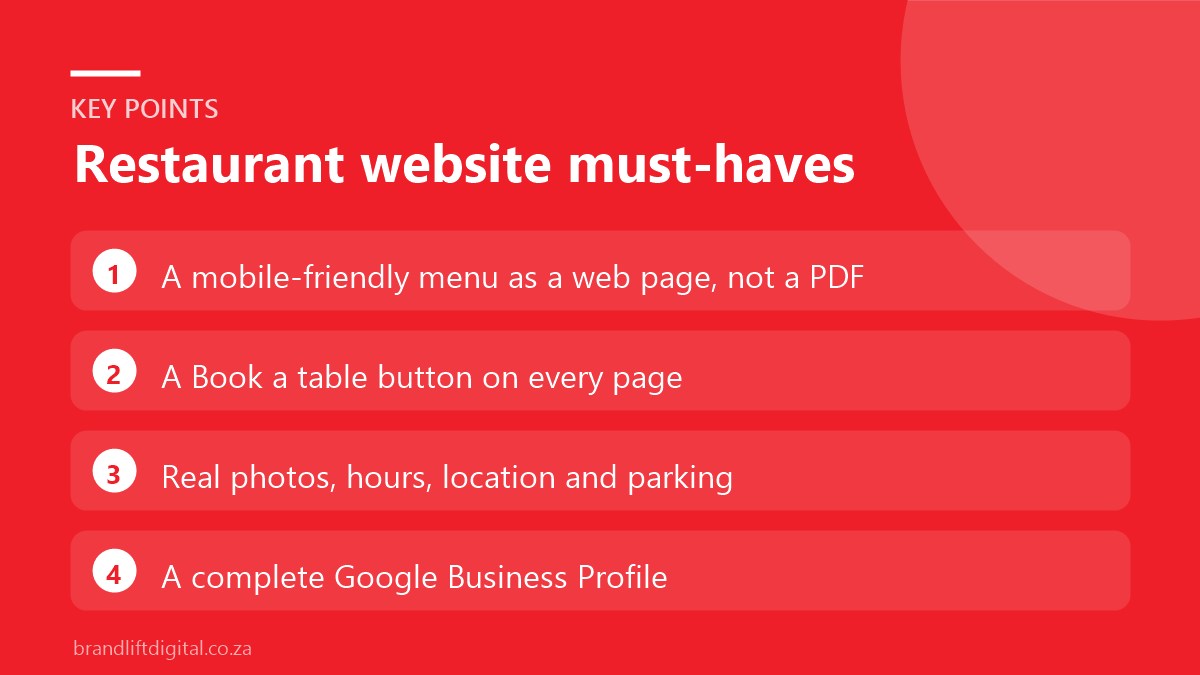
The menu is the most visited page on most restaurant sites. Publish it as a normal web page rather than a PDF. PDFs are slow to open on mobile, hard to read and not easily understood by search engines. Include prices and mark dietary options such as vegetarian, vegan or gluten-free. Keep it up to date; an old menu leads to disappointed guests. Organise it the way people read a menu at the table, with starters, mains, desserts and drinks in clear sections. If you run a separate lunch, dinner or seasonal menu, label each one clearly and remove menus you no longer serve.
2. Booking in a few taps
Put a clear “Book a table” button at the top of every page. Connect it to your booking platform so guests can reserve without phoning. If you take bookings by phone or WhatsApp only, make the number tappable on mobile. Show your booking policy clearly too, such as how long tables are held, whether deposits are needed for large groups and how to cancel. Clear rules reduce no-shows and awkward conversations at the door.
3. Photos that show the real experience
Good photos of your food, your space and your team sell the experience better than any description. Use real, recent photos taken in good light rather than stock images, and keep file sizes small so pages load quickly. Refresh them when your menu or interior changes. Diners often compare photos on your website with those on review sites, so make sure yours show the restaurant at its best and as it really is.
4. Hours, location and parking
Show your opening hours, address, a map and parking information on the home page or in the footer. Update holiday hours early. These details must match your Google listing exactly. Mention useful practical details too, such as wheelchair access, whether you are child-friendly, outdoor seating and whether you have a generator or backup power during load shedding.
5. Delivery and takeaway links
If you offer delivery or takeaway, link directly to your ordering options so guests do not have to search for you again in another app.
6. Events, specials and private bookings
Give events, weekly specials and functions their own pages or sections. Private bookings and year-end functions are valuable, so include a simple enquiry form for them. Ask for the date, number of guests and type of event, and list any set menus or venue hire options. A newsletter sign-up for specials and events also helps turn first-time diners into regulars.
7. Getting found on Google
Searches like “restaurants near me” or “breakfast in Sea Point” are mostly answered by Google Maps. A complete, active Google Business Profile with recent photos and reviews is essential. Our guide to setting up your Google Business Profile walks through it step by step, and our local SEO checklist covers the rest.
Restaurant website: frequently asked questions
Do I need a website if I am on social media?
Social media is great for showing what is new, but a website gives you a permanent home for your menu, bookings and details, and it is what Google links to from your listing.
How often should I update the menu online?
Every time it changes. A website you can edit yourself makes this quick. Update prices, remove sold-out seasonal dishes and add new items as soon as they appear on the table, so guests are never surprised when they arrive.
Planning a new restaurant website?
Our restaurant website design service includes mobile menus, booking integration and Google setup, so more diners find you and book.